GUIDES / SHOWROOM INVENTORY
Showroom inventory management software
Samples on the floor and stock in the back, on one live map.
What showroom inventory management covers
Showroom inventory management is keeping track of everything a showroom holds: the samples on display, the stock in the back room, and what is on its way in or out.
Samples and stock follow different rules. Samples stay for the season and go back to the brand. Stock is counted, sold and shipped. Showroom inventory software has to keep the two apart.
How Chukwu keeps showroom inventory
What you can do with it
Tap one to see how it works.
- Receiving
- Moves and transfers
- Cycle counts
- QA holds
- Returns
- Adjustments
- Showroom and back room on one map
- Audit history
The count keeps itself
With smart shelves, a lifted item turns its slot red on every screen.
How smart shelves track stock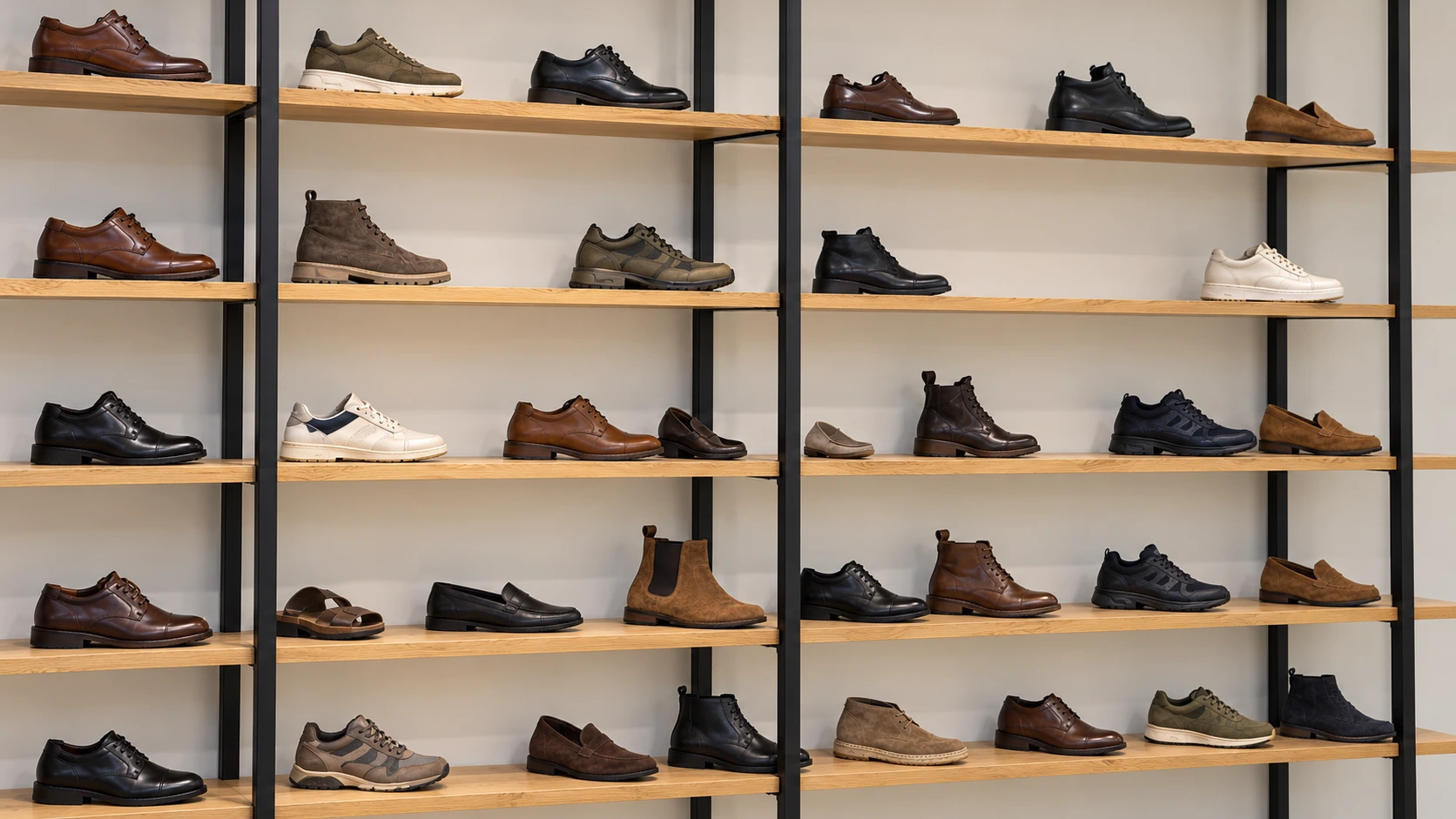
Samples and stock follow different rules
A showroom holds two kinds of things. Samples are there to be shown: they stay for the season and go back to the brand. Stock is there to be sold: it is counted, allocated to orders and shipped. Mixing the two is how a sample ends up in a customer’s box and a sellable item ends up on the wall.
Good showroom inventory software gives each location a type. The showroom floor and the back room hold samples; the stock room holds stock. Only stock meant for sale goes to your online store, which is how Chukwu keeps Shopify from selling a sample.
Every move is recorded: receiving, transfers, QA holds, returns and counts. The count stays true between counts, so a cycle count is a check, not a rescue.
What to look for in showroom inventory software
Use it as a checklist when you compare tools.
- One map for the showroom, the back room and the stock room
- Samples and stock kept apart, by location
- Receiving that looks items up as they come out of the box
- Moves, transfers and QA holds from a phone
- Cycle counts that do not stop the floor
- A history of every change, with names
- Stock for sale sent to your online store, samples never
- A count that keeps itself, with smart shelves
Counting less
Most showrooms count because they cannot trust the numbers. Each count costs hours of several people’s time, and a full recount after a new sheet can take a week. The counting cost calculator works out what that costs you in a year.
With smart shelf tracking, the shelf reports what is on it, so the count changes when stock moves rather than when someone counts. The live map in Chukwu Floor shows the result.
Words on this page
Plain definitions in the glossary.
Questions
What is showroom inventory management software?
Software that tracks what a showroom holds: the samples on display, the stock in the back room, and what moves between them.
Can samples and stock be kept apart?
Yes. Each location has its own type, and showroom samples never go to Shopify.
Does it count stock for me?
Floor records receiving, moves and counts. With the smart shelves, the shelves report what is on them.
Does it work on a phone?
Yes. Floor runs in the browser and as an iPhone app.
Can I see what is in the back room from the showroom?
Yes. The back room is on the same map, shelf by shelf.
What happens to returned samples?
They are looked up as they come back and go to their shelf, or to a QA hold first.
Does it track sizes?
Yes. Stock is kept by style, colour and size.