MODULES / SMART SHELVES
Shelves that know.
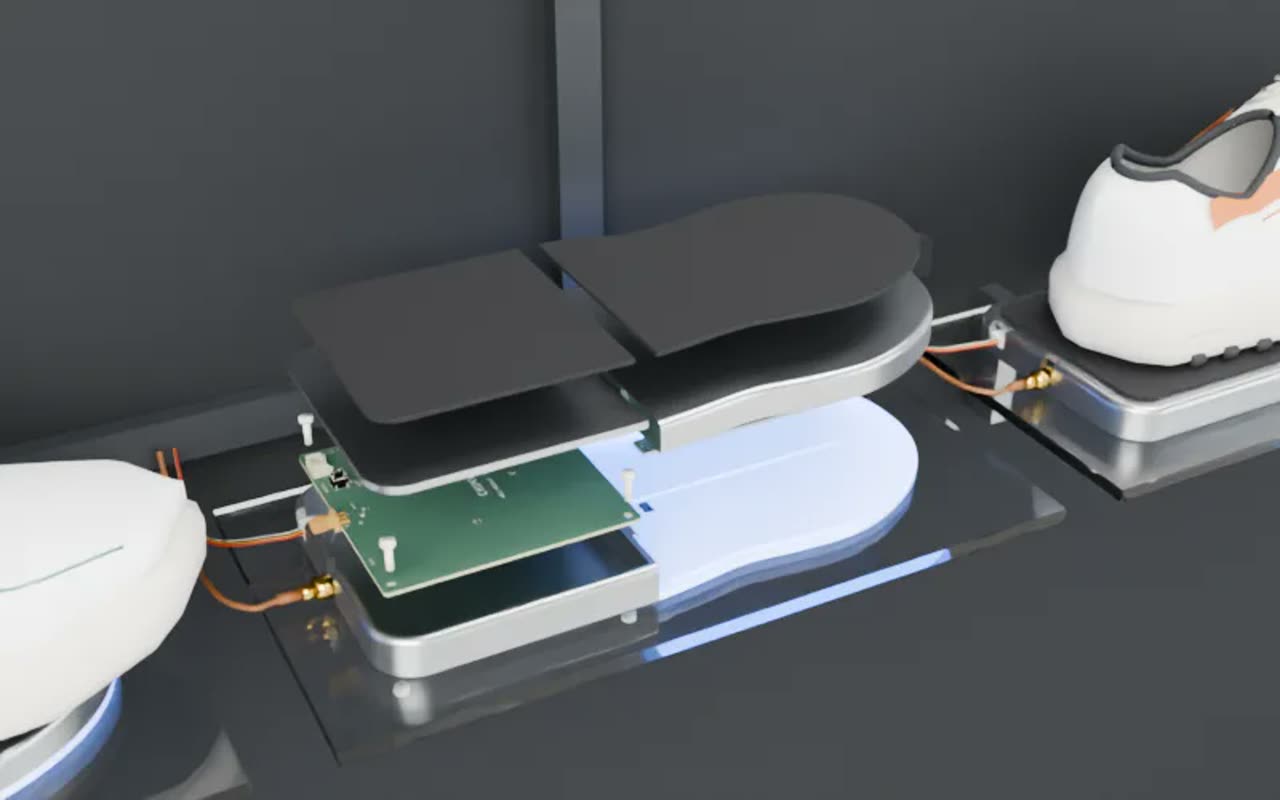
A reader under each item and a tag on every item. Wired and wireless options are available.
Know the moment an item leaves the shelf
Every item sits on a reader. Lift it, and the shelf knows.
Every screen knows too
When an item is lifted, its slot turns red on every screen.

Shows which shelf
The light shows a picker which shelf to go to.
Count once, then never again
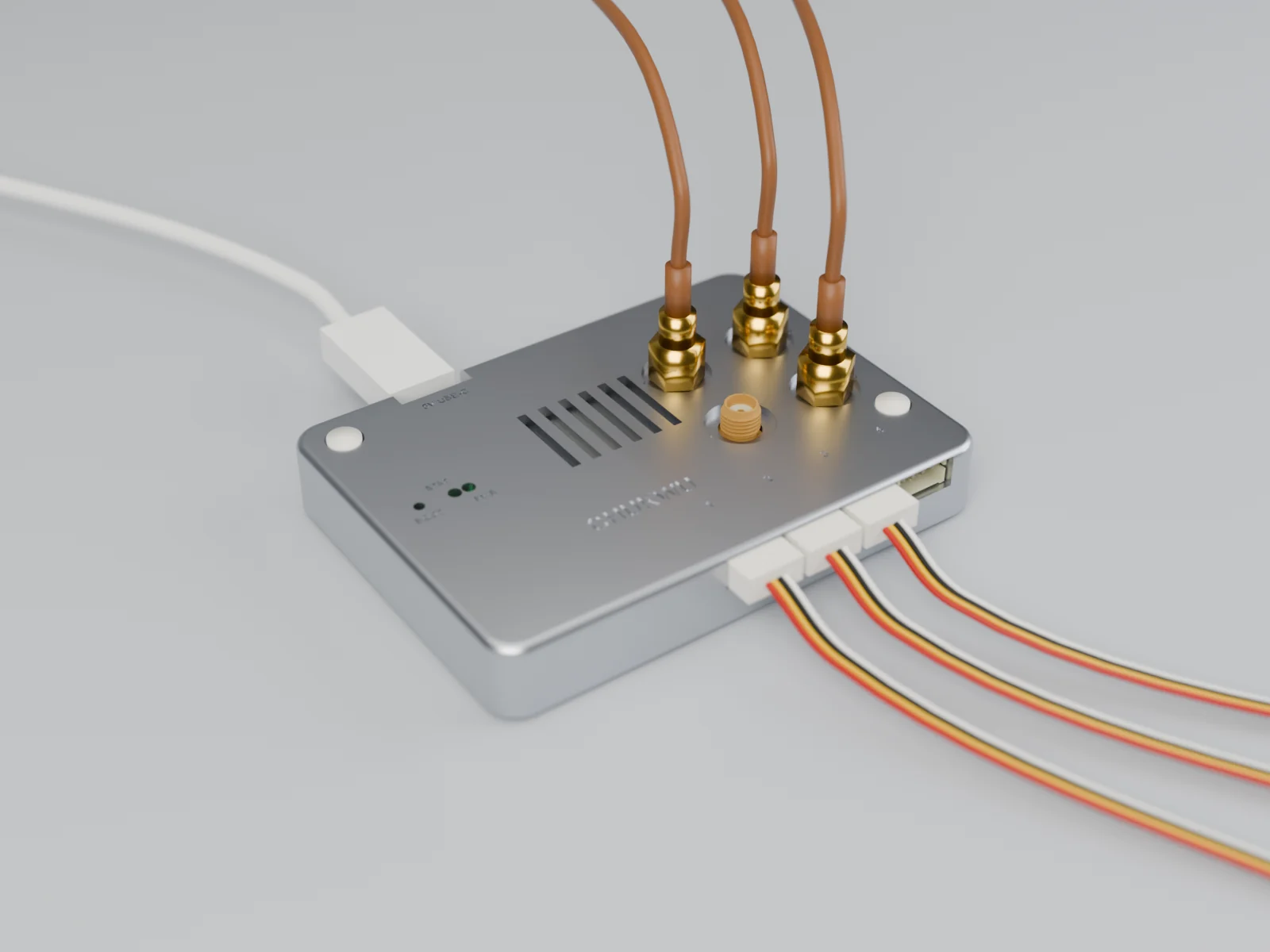
The hardware

Questions
Do I have to change my shelves?
We review your existing fixtures first and recommend readers and mounting that fit. Any changes needed are included in your installation proposal.
What if an item has no tag?
The reader needs a tag to identify an item. Add and link a tag before putting it on a smart shelf; untagged stock can still be managed manually in Floor.
How long does setup take?
It depends on your fixtures, the number of readers and the stock to tag. We agree the installation and onboarding schedule with you before you commit.
Is the hardware wired or wireless?
Both wired and wireless options are available. We recommend a setup around your fixtures, power and layout.