Chukwu Floor: showroom and warehouse inventory
Track stock by room, shelf and slot. Map your floor in 3D, find items, receive deliveries, move stock and run cycle counts. Use staff updates or connect smart shelf readers.
- 01
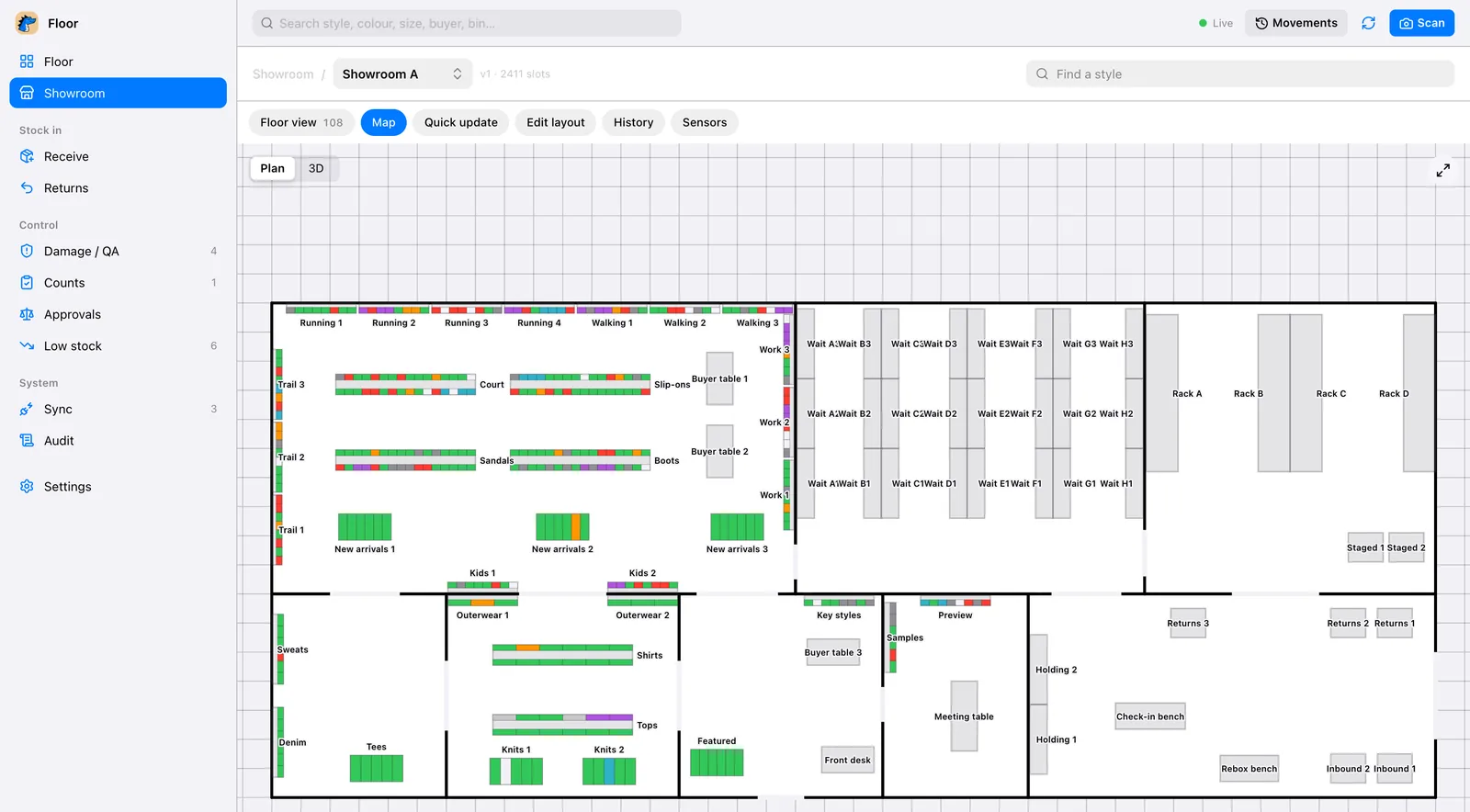
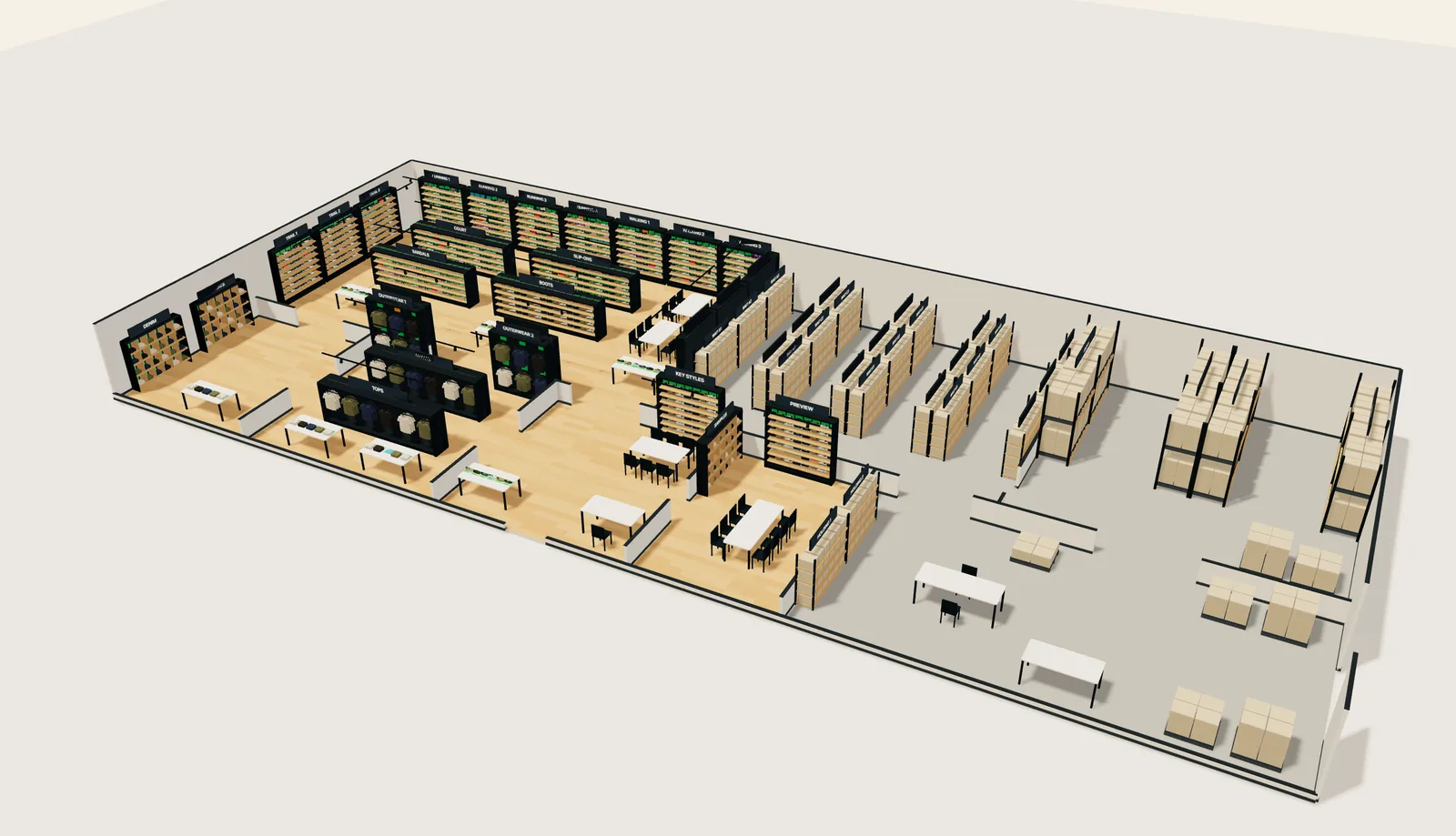
Your floor, on a map
Every room, rack, wall and table goes on the map once, drawn to scale. See it from above, or walk through it in 3D.
Each shelf is split into slots by row and column, the way your staff already talk about them.
- 02
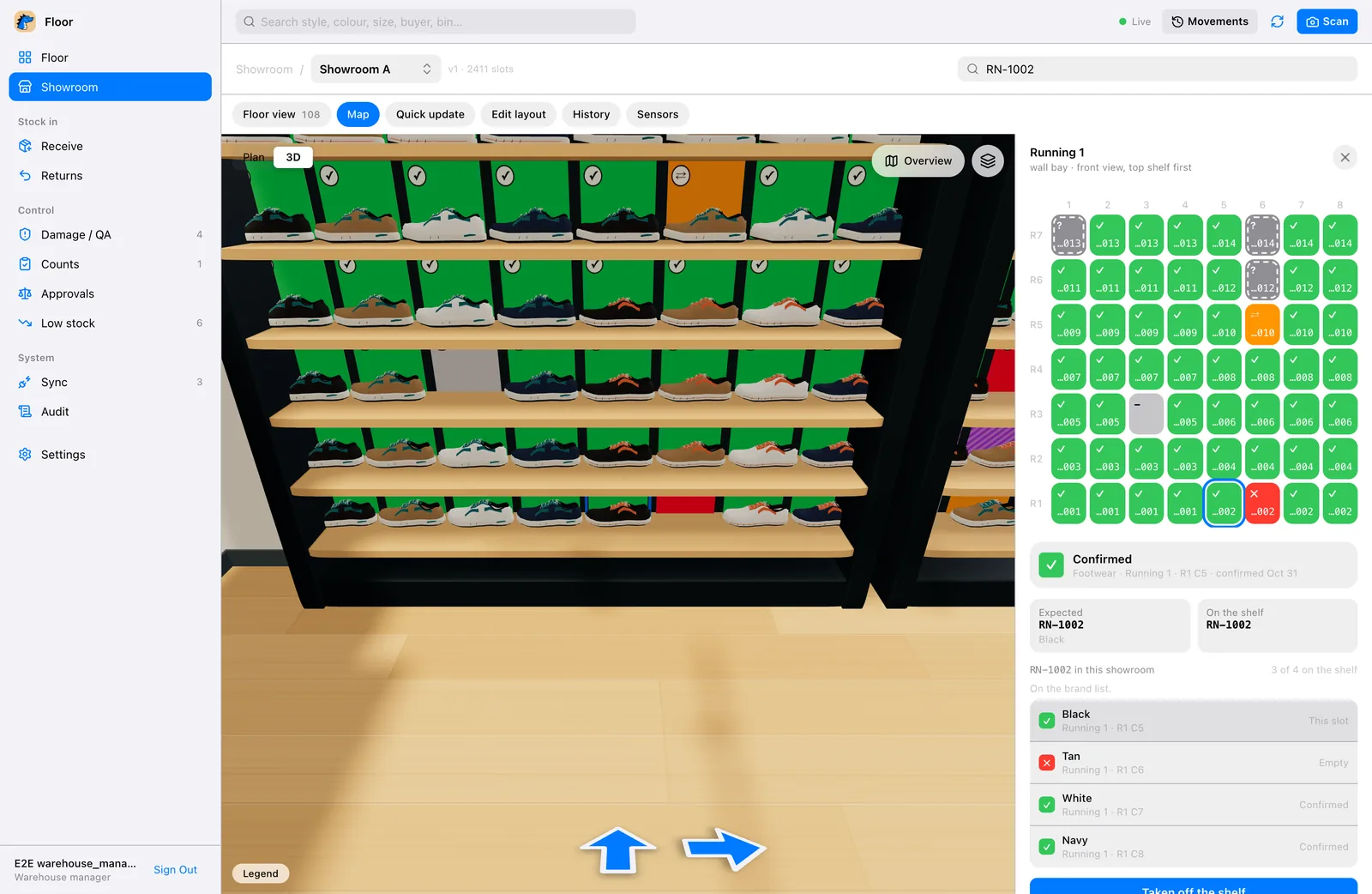
Every slot knows what belongs there
Click a shelf and Floor shows each slot: what should be on it, what is on it now, and when someone last checked.
Green is right. Red is gone or wrong. Grey has not been checked for a while.
- 03
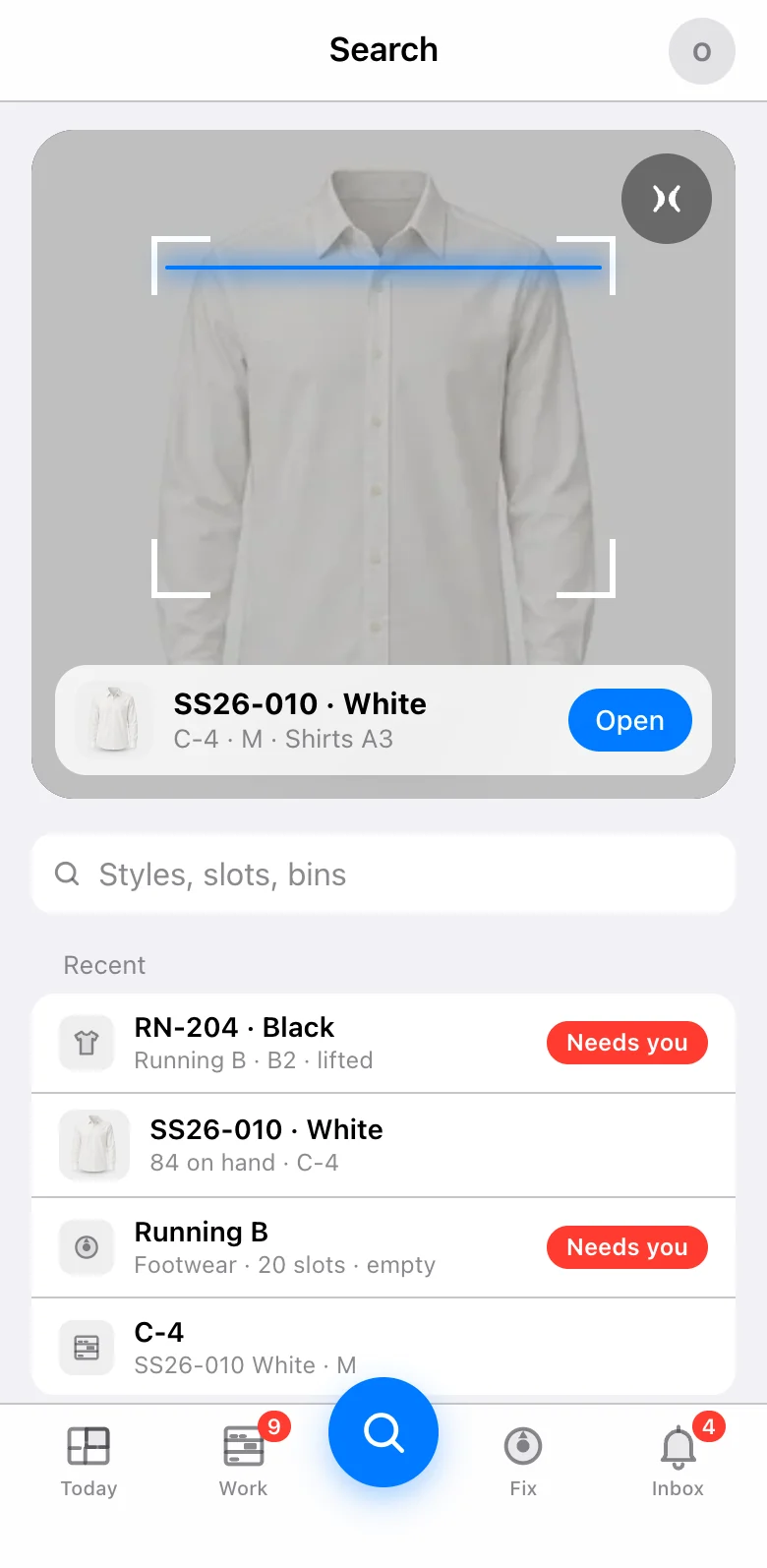
Find anything
Tap Search and point the camera. It reads a barcode, or the words printed on the label when there is no barcode.
Or type a style, a colour, a slot or a bin. Floor shows where it is and how many are on hand.
- 04
Lift it, and the map knows
With CV1 under an item, lifting it turns its slot red on every screen in about a second. Put it back and it turns green again.
Without the hardware, staff mark a slot from the phone in one tap.
- 05
Receive, move and count
Receive a delivery against what was ordered, move stock between shelves, count one fixture at a time, and hold anything damaged for QA.
Every change goes in the history: who, what, where and when.
- 06
Shelves that count themselves
CV1 is the reader under each item. It reads the tag, and its light shows what it sees: blue when someone is looking for it, red when it is gone.
Each one tells Floor the moment something moves, so nobody walks the floor to count.
Your floor, on a map
Your showroom or stock room, from above and in 3D, with every shelf where it really is.
The shelf tells you
Each item carries a tag. Lift one and its spot turns red on every screen.
Receiving, moves and counts
Receive stock, move it, count it and hold it for QA. Every change is in the history.
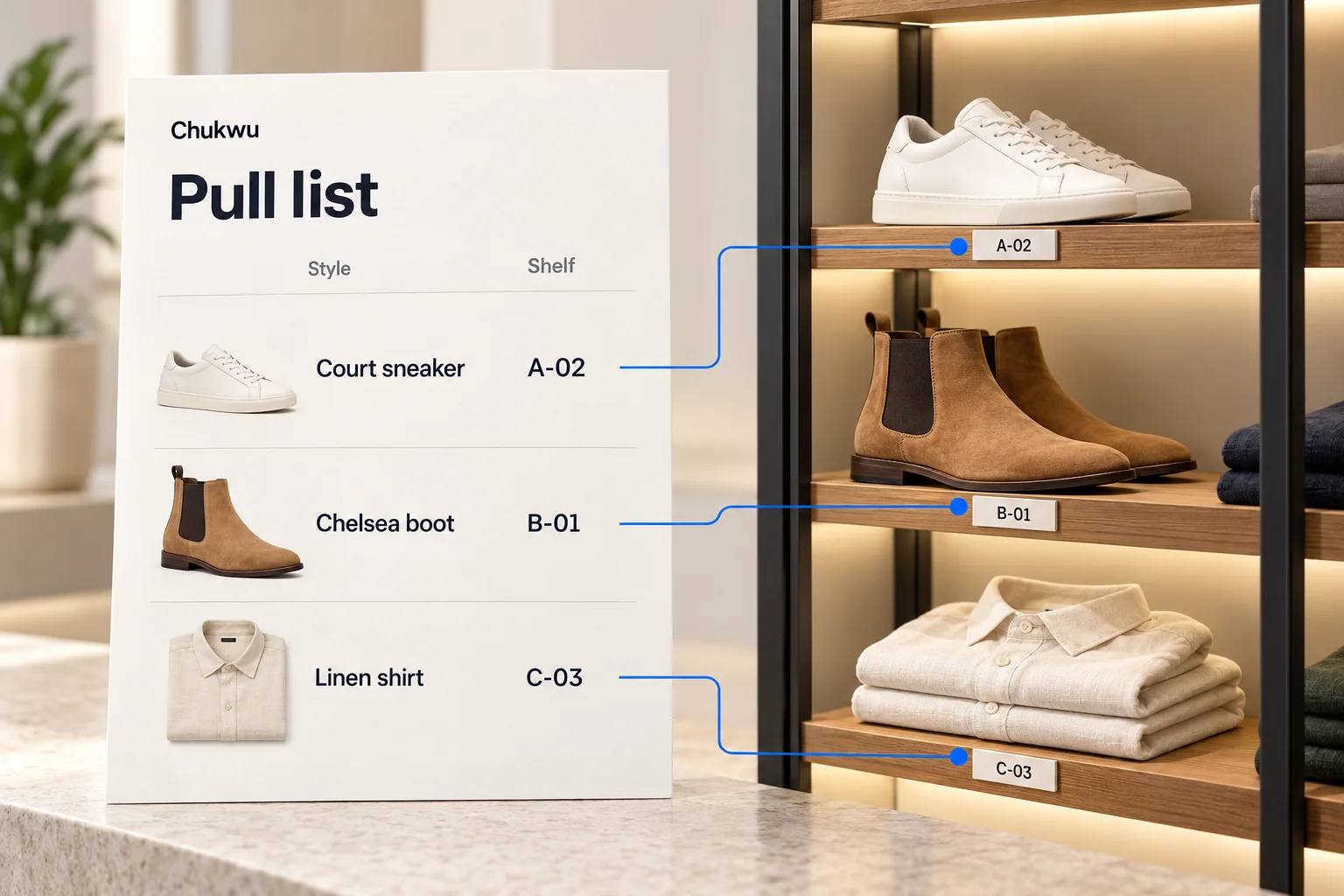
A new sheet, a pull list
Upload the brand’s new sheet. Staff get a list of what to pull, and the shelf each one is on.
Everything in Floor
Tap one to see how it works.
- Map in plan and 3D
- Smart shelves
- Receiving
- Moves and transfers
- Cycle counts
- QA holds
- Returns
- Adjustments
- Allocations
- Audit history
- iPhone app
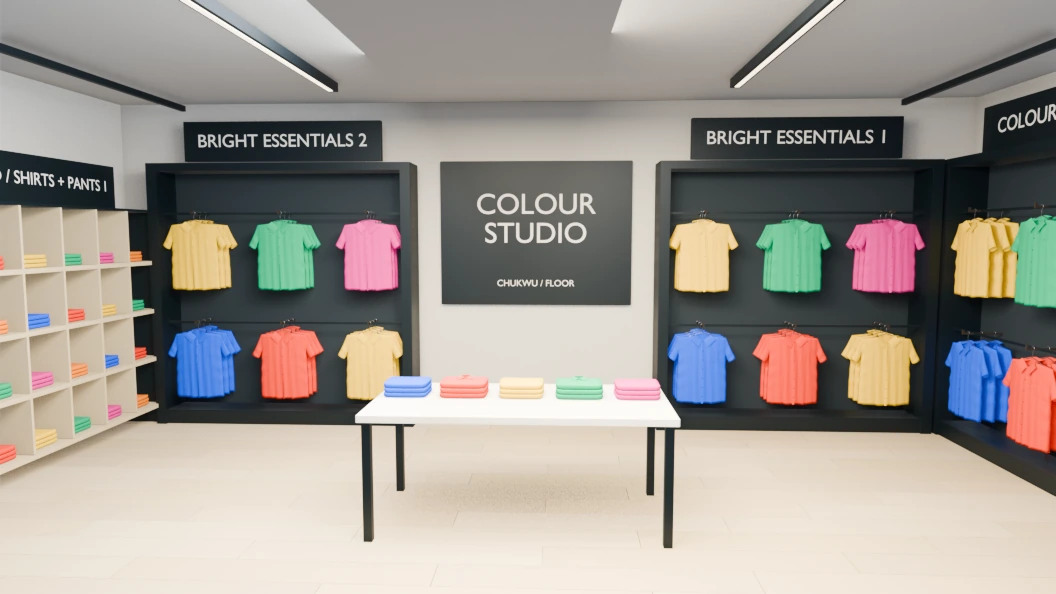
Walk through it
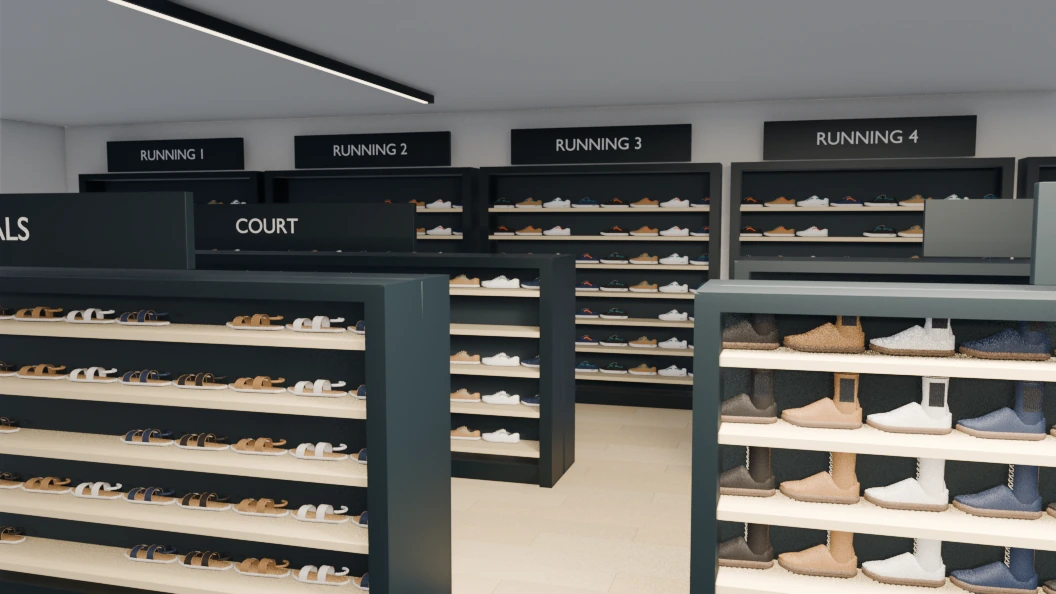
Clothes on the rails, shoes on the walls.
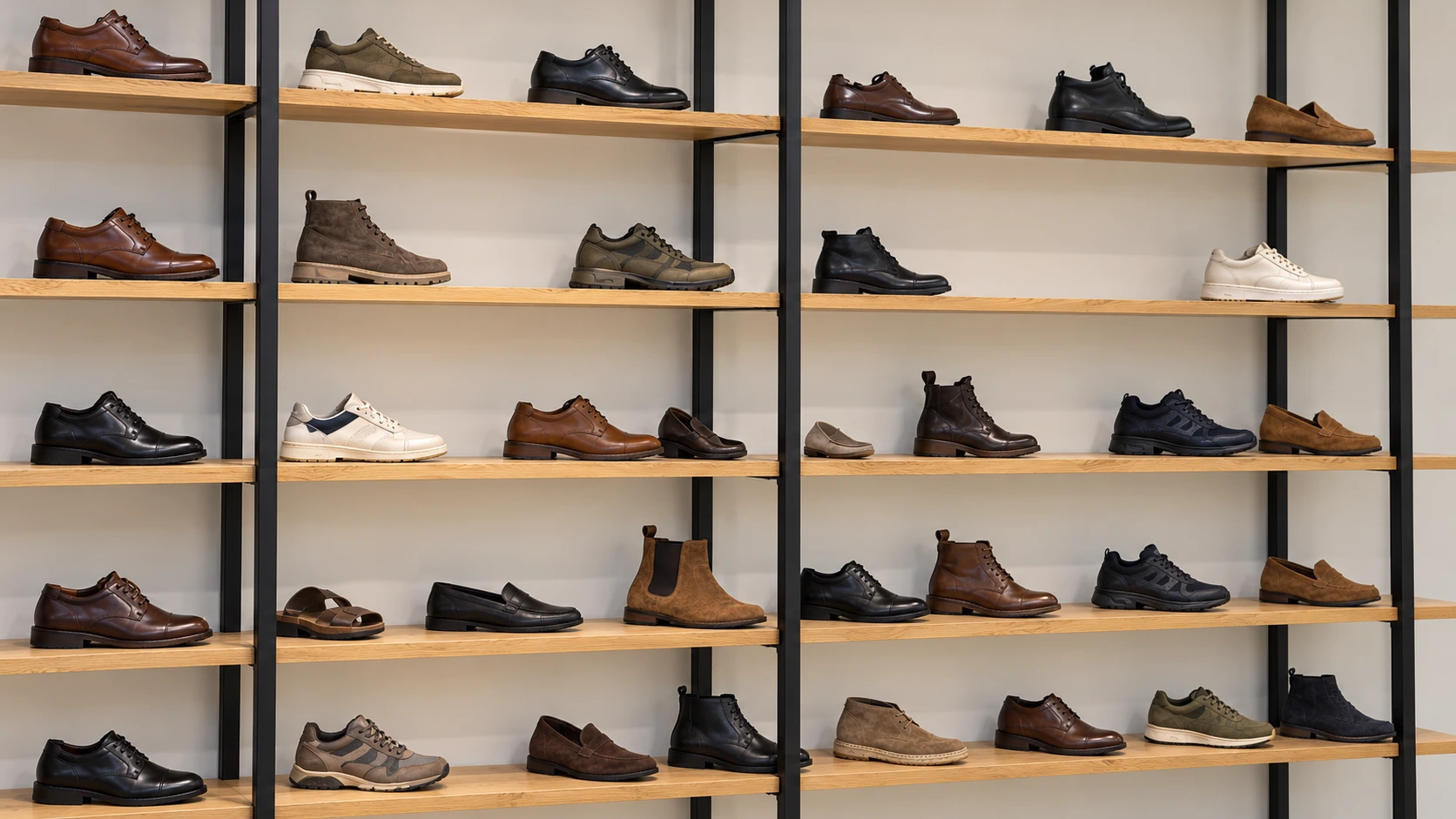
Shoe stands and shoe walls
With what is on them.
How a shelf knows
A reader under each item tells the map the moment it moves.
How the shelves workUse it as it is, or make it yours
Floor works the day you turn it on. Or our team can change parts of it to fit how you work.
Tell us how you workYouWe photograph every sample before it goes on the wall.
Chukwu teamDone. Receiving asks for a photo before it lets a sample go to its shelf.
Questions
Do I need the smart shelves to use Floor?
No. Floor runs on its own: receive, move and count stock from the app. The smart shelves make it live, so a lifted item shows on the map without anyone scanning.
Can I map more than one location?
Yes. Each showroom and each warehouse gets its own map.
Can I see the floor in 3D?
Yes. The same map opens in 3D, with clothes on the rails and shoes on the walls.
Does Floor work on a phone?
Yes. Floor runs in the browser and as an iPhone app.